Skills, inline citations & safer label management
Skills are rolling out across workspaces. Every team has its own way of writing a shift handover or a progress note, and a skill holds those steps in the workspace so the Mini can follow them against that person's records. Anyone can run one without composing a long request. Also in this release: citations name the record they came from, renaming or deleting a label no longer takes anyone's access away by surprise, and Settings has been rebuilt.
What's New
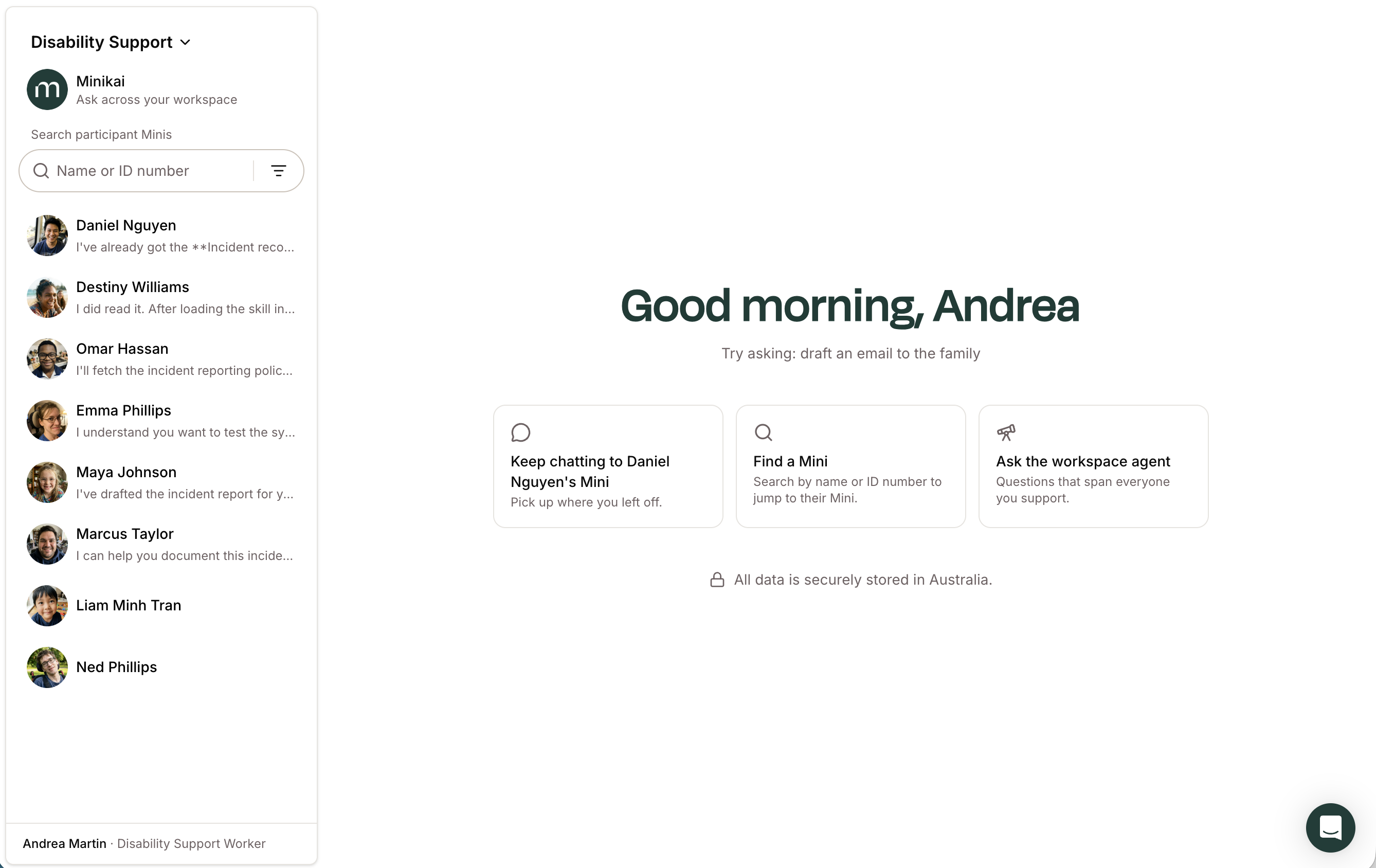
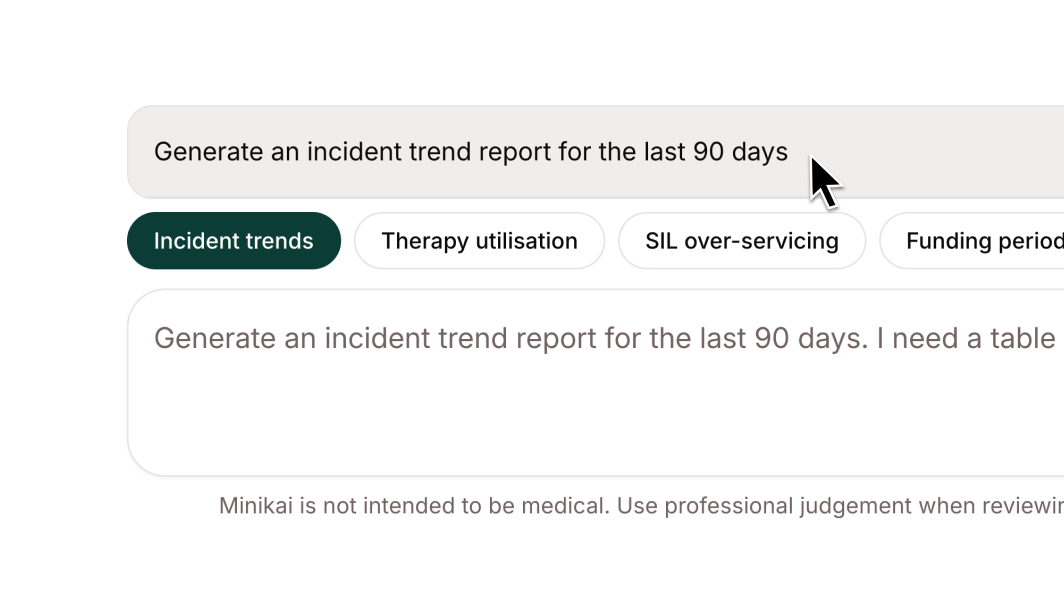
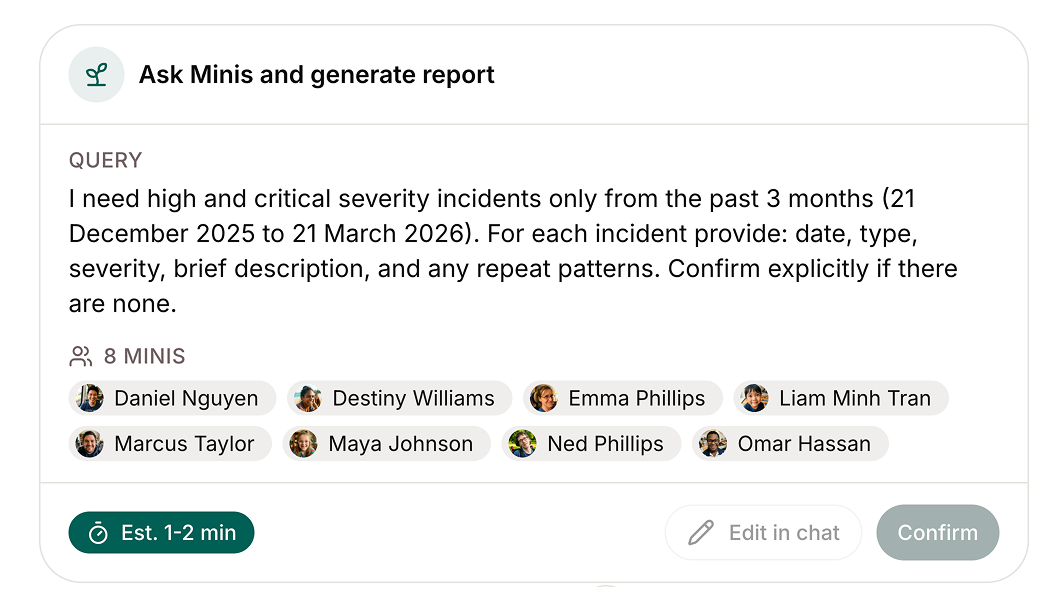
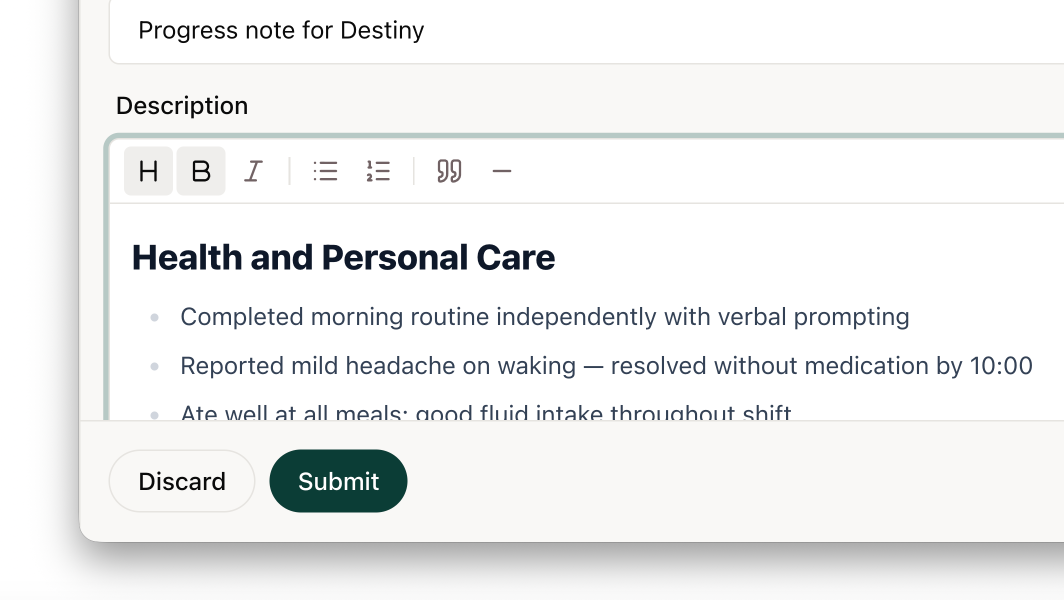
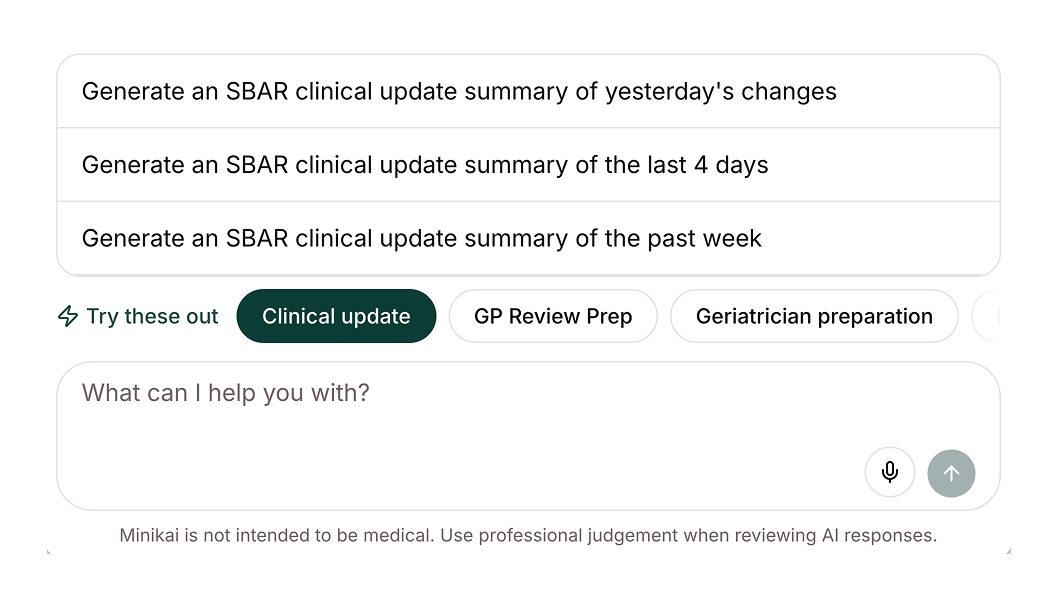
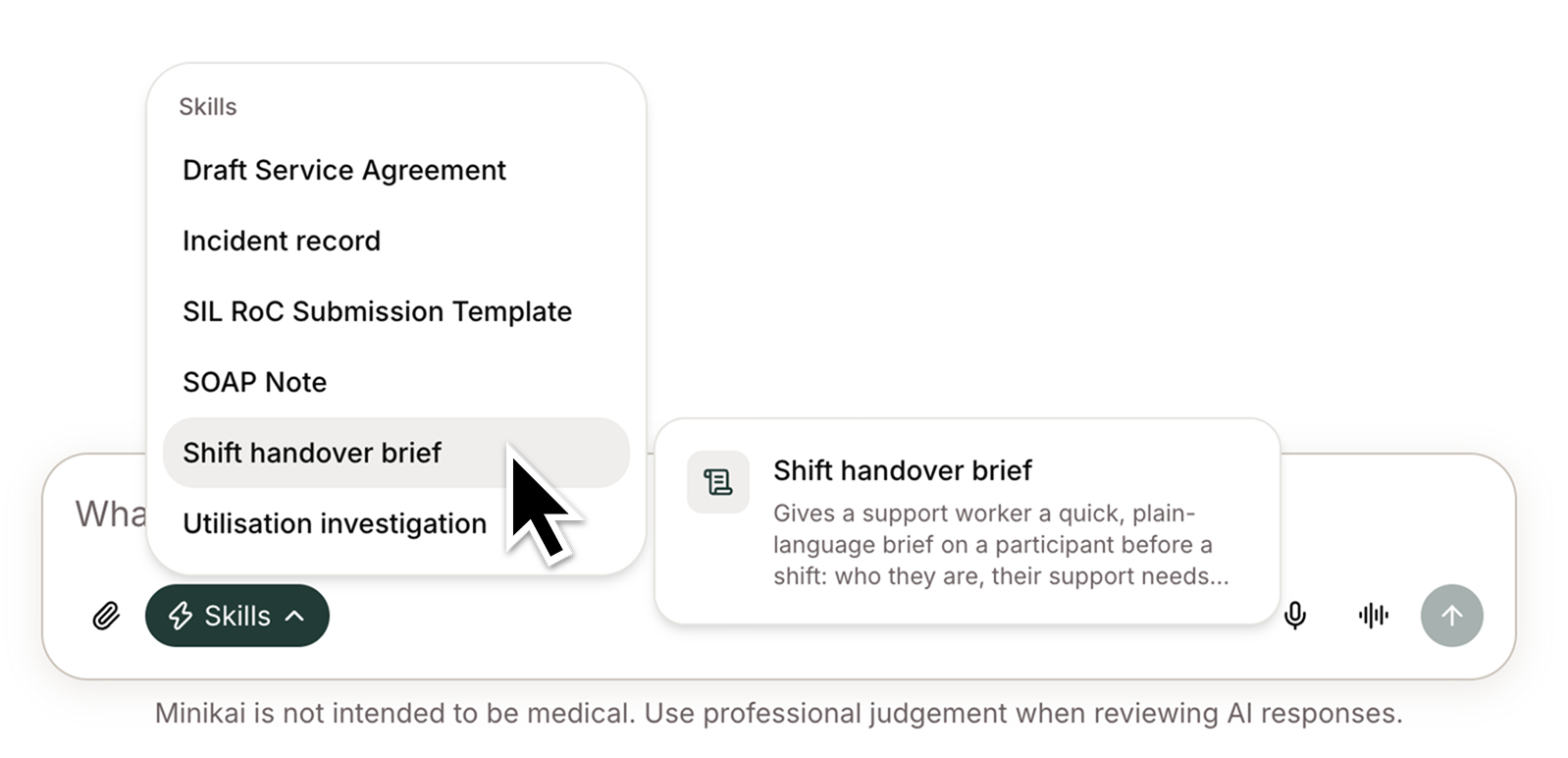
- Skills: pick a skill from the lightning-bolt menu in the message area and the Mini follows the steps your team set out, working from that person's records. Whoever is on shift, the handover comes out the way your team writes it. It arrives as a draft, so you still read it before it goes anywhere.
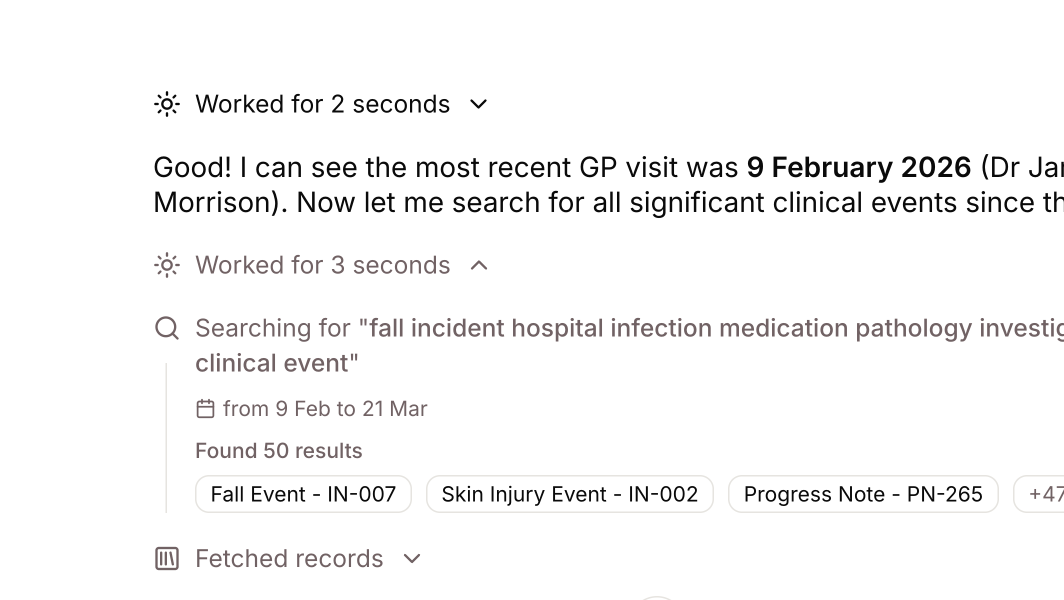
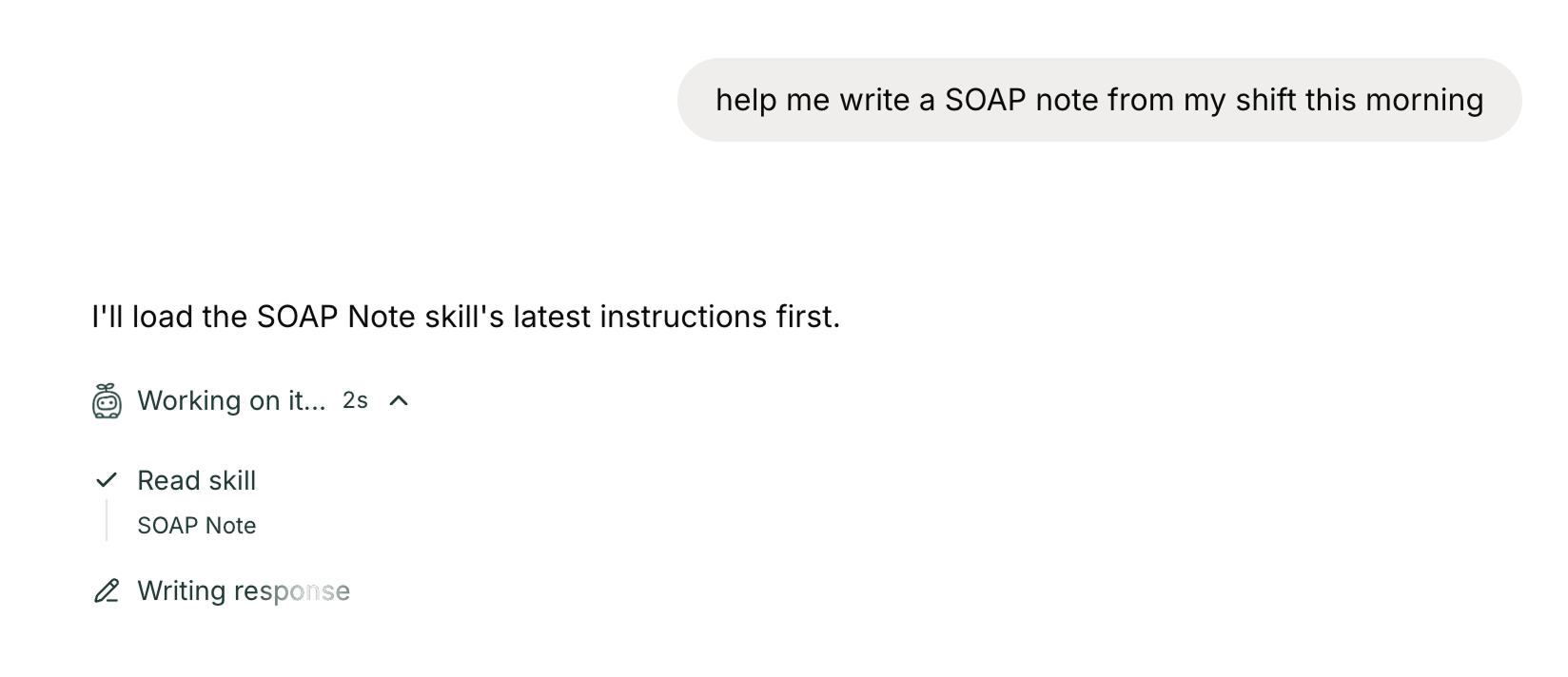
- You don't have to open the menu: describe the task in the chat box, or dictate it between visits, and the Mini picks up the matching skill on its own. It shows you which one it used as it works, so you can see the procedure was applied.
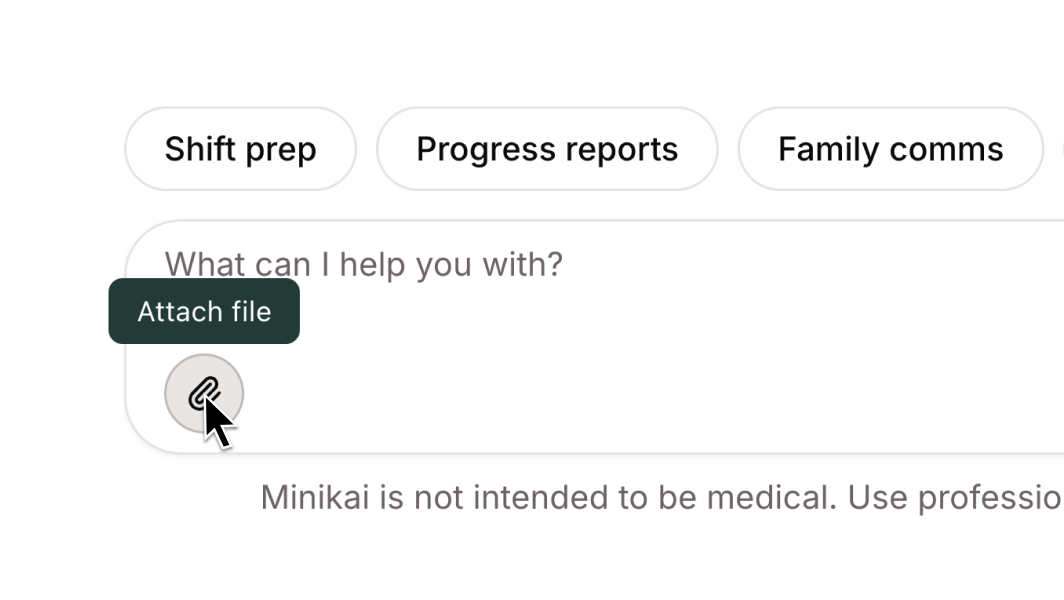
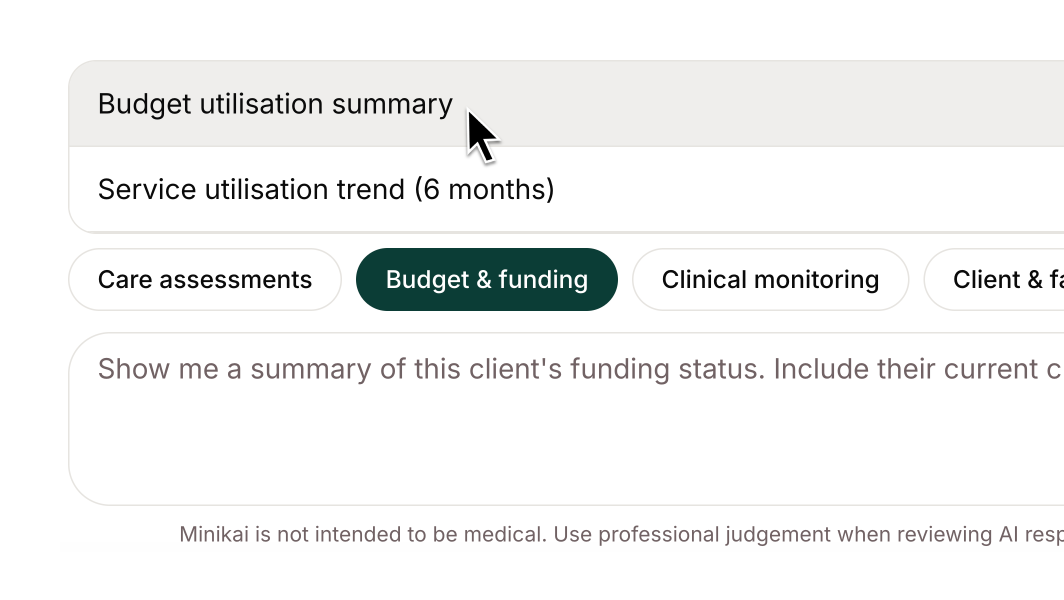
- Built with your team, from what you already use: the prompt suggestions your workspace has relied on have been rebuilt as skills, worked through with your team so each one reflects how you actually write. They appear in the Skills menu where they apply, inside a person's Mini or in the workspace agent. If you do not see the Skills button yet, your workspace is still being set up and you will see prompt suggestions in the meantime.
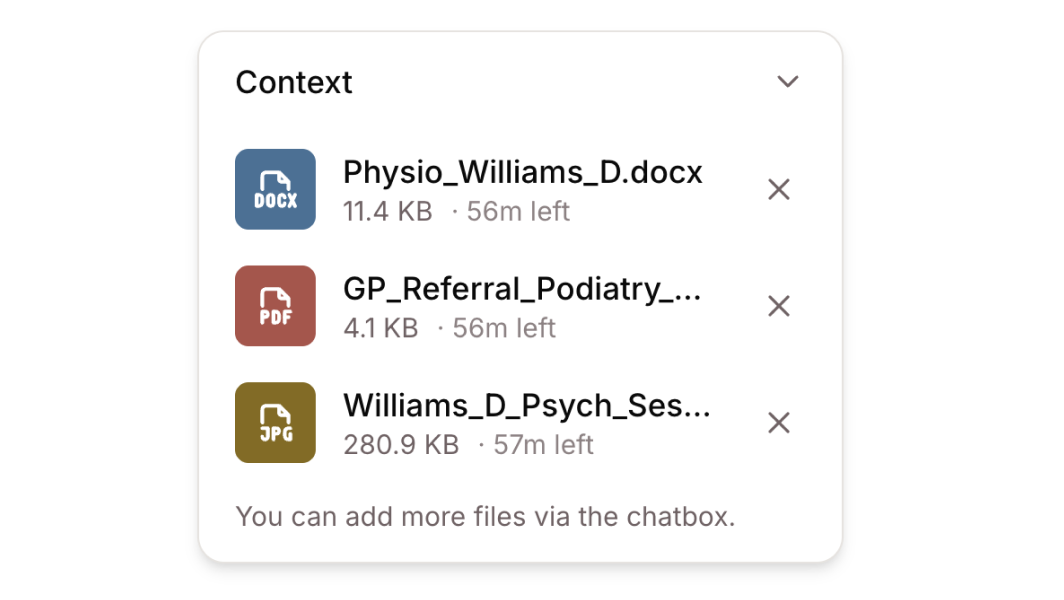
- See what a skill worked from: open the instructions and any attached file behind a run, straight from the chat, so a draft can always be traced back to the procedure that produced it. Admins can review a skill in Settings, and talk to us about changing one or adding another.
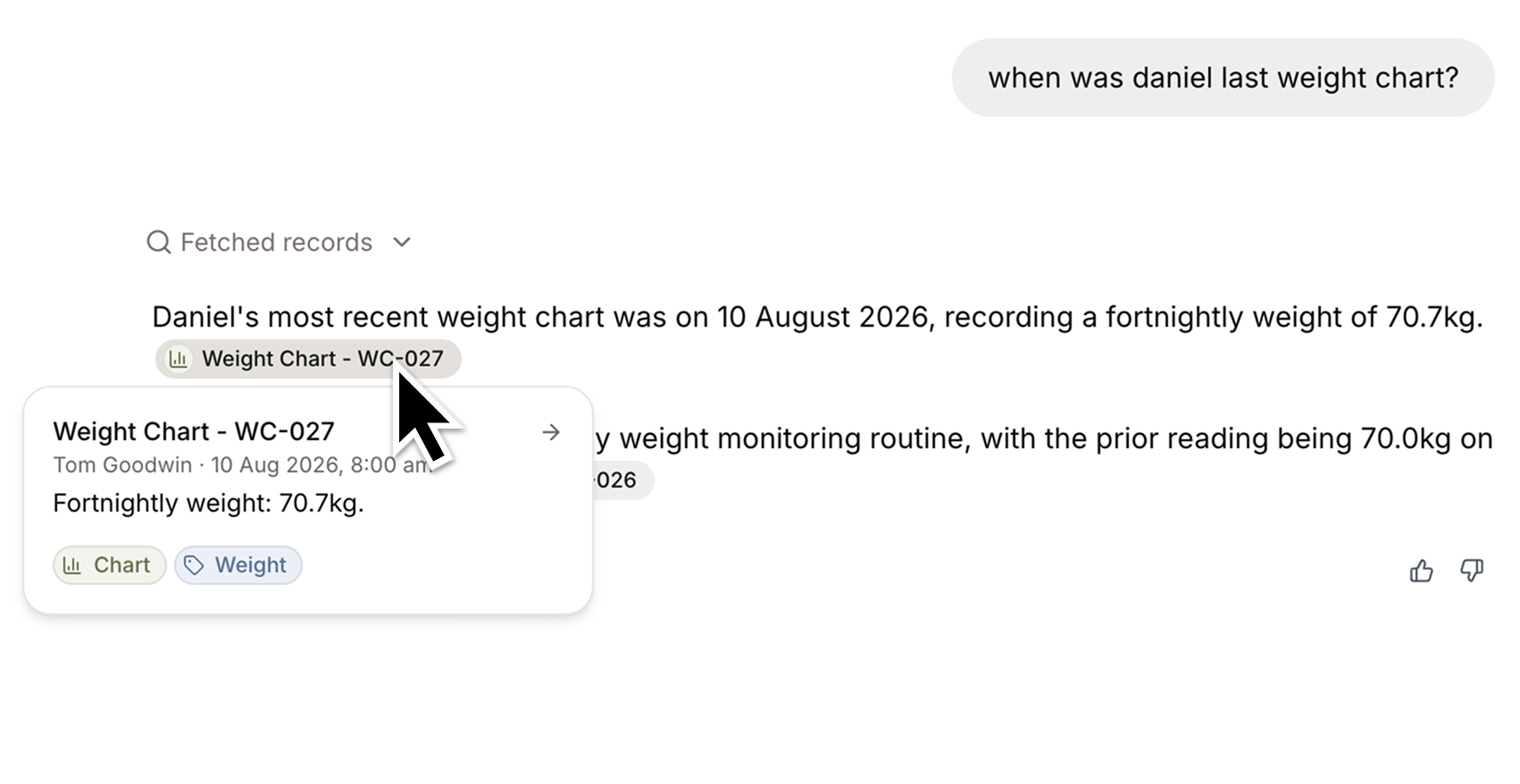
- Inline citations: a citation in an answer now shows the record it came from, not a footnote number, and hovering or focusing it previews the record's content, labels, and author. Where one sentence rests on several records, you can page through them from the citation itself.
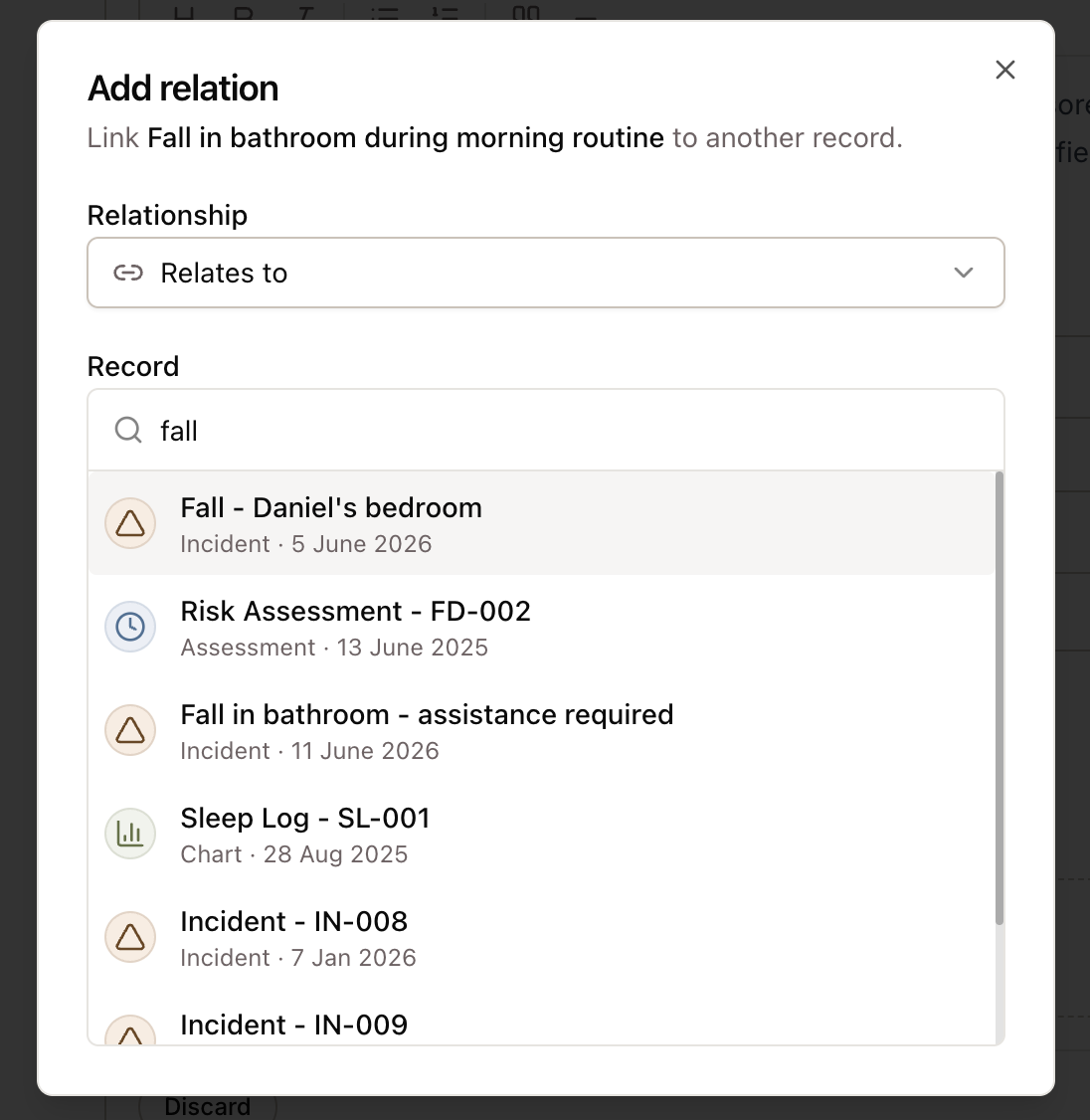
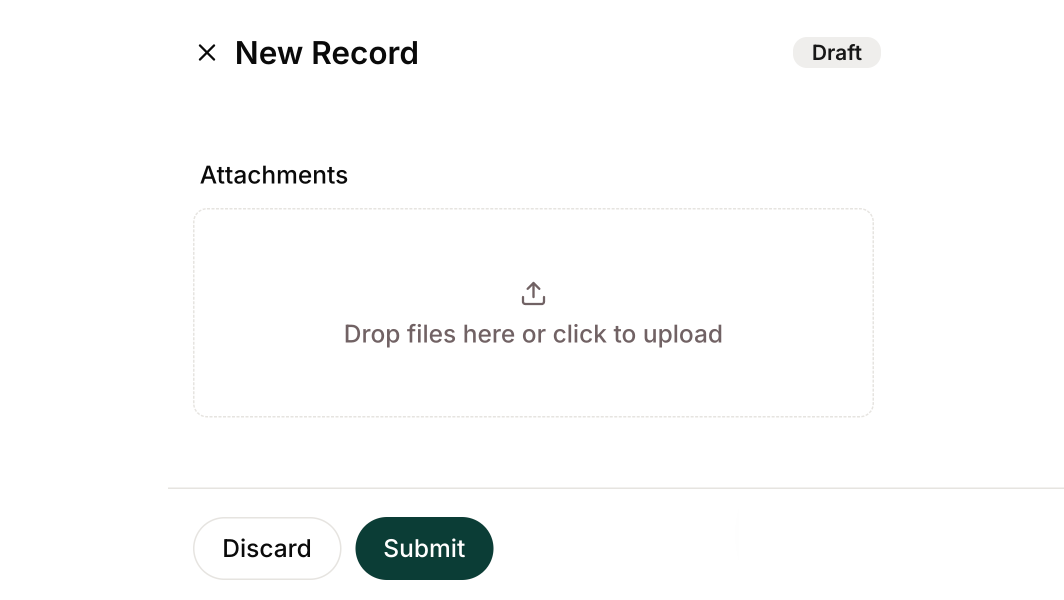
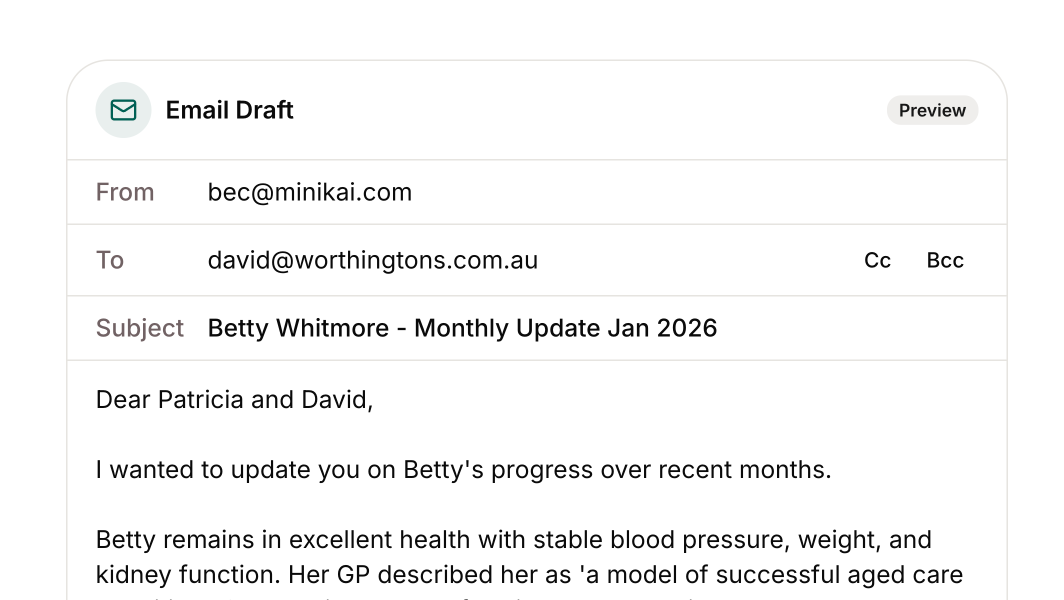
- Minis can revise a draft: a Mini can now edit a draft record it created rather than creating a second one, and an edit built on content that has since changed is refused rather than silently applied. Every draft edit is recorded in history with its author and time.
- Set your dictation language: a new Profile page in Settings sets the language used for dictation and recorded sessions, so anyone not speaking Australian English is transcribed accurately.
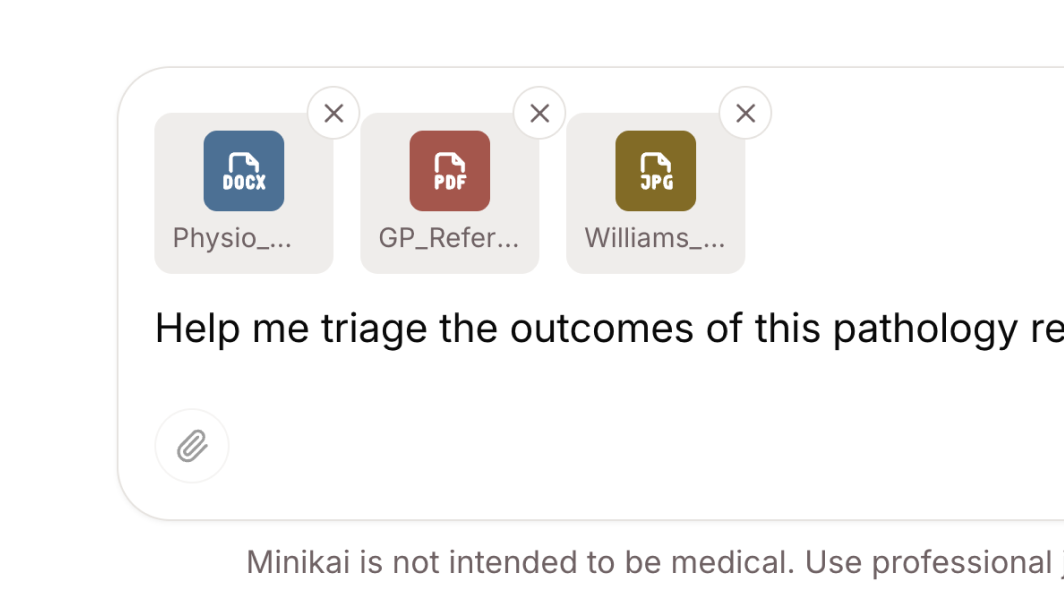
- Email files in chat: .eml email files can be uploaded straight into a conversation, so a Mini can read a thread without anyone exporting it to PDF first.
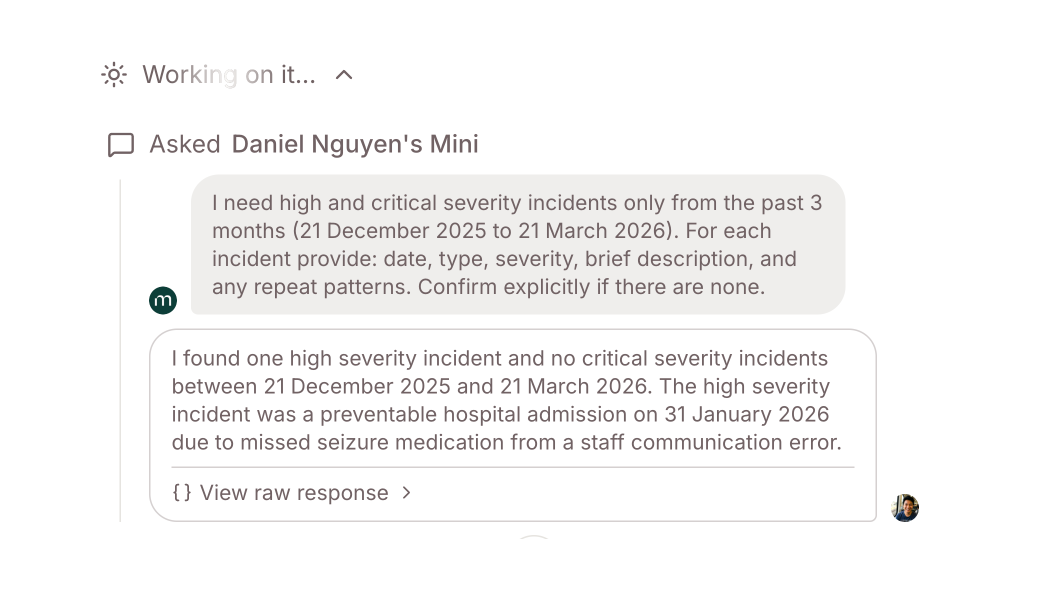
- A clearer view of what a Mini is doing: the progress rail now says what the turn actually did rather than 'Working on it', and a drafted record or email appears as a step in it.
- Press F1 for help: the help and support chat opens from anywhere in the app with the F1 key.
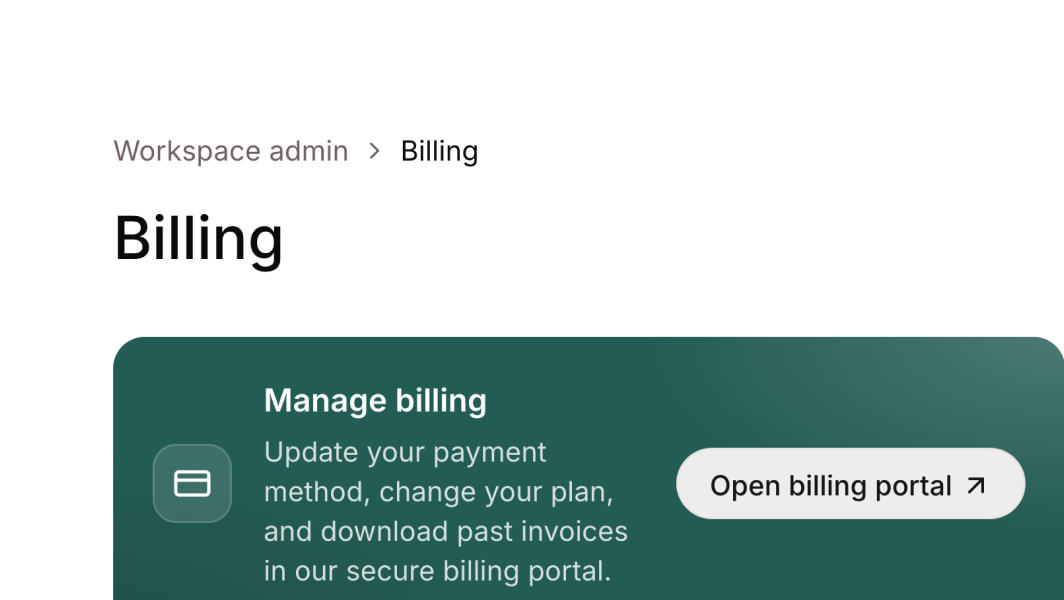
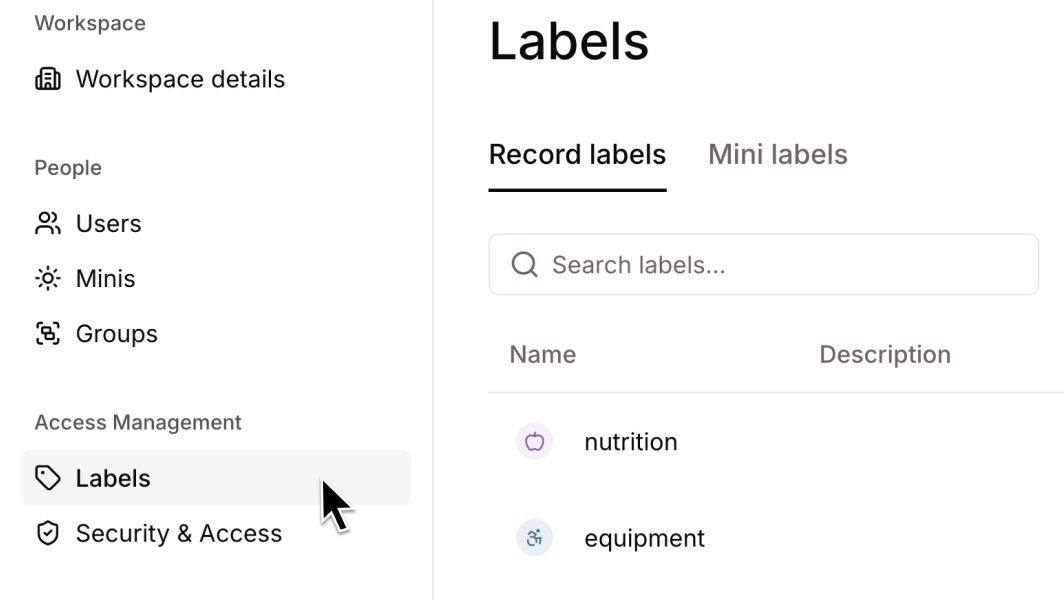
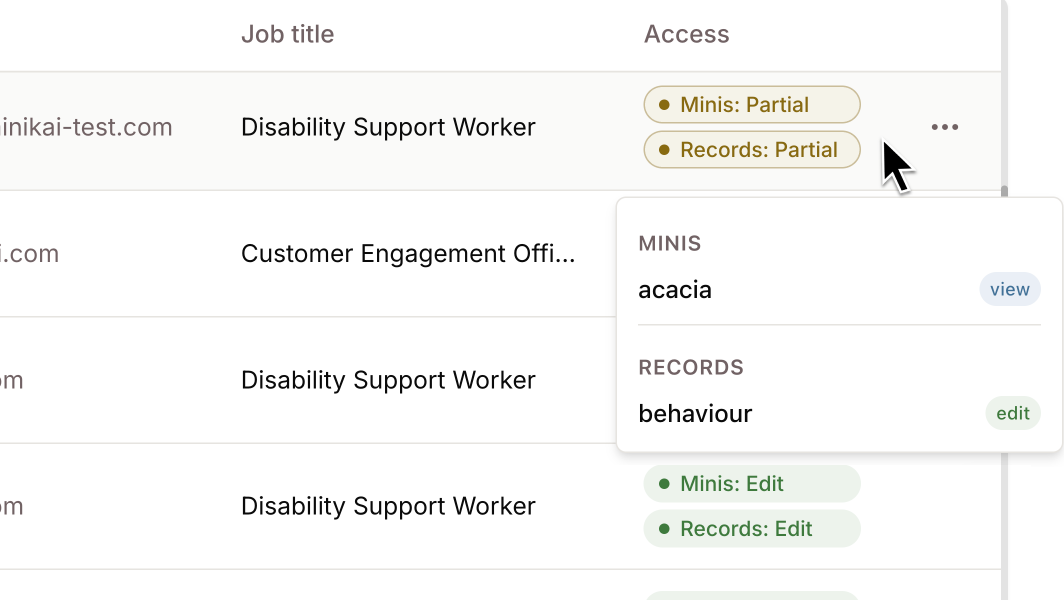
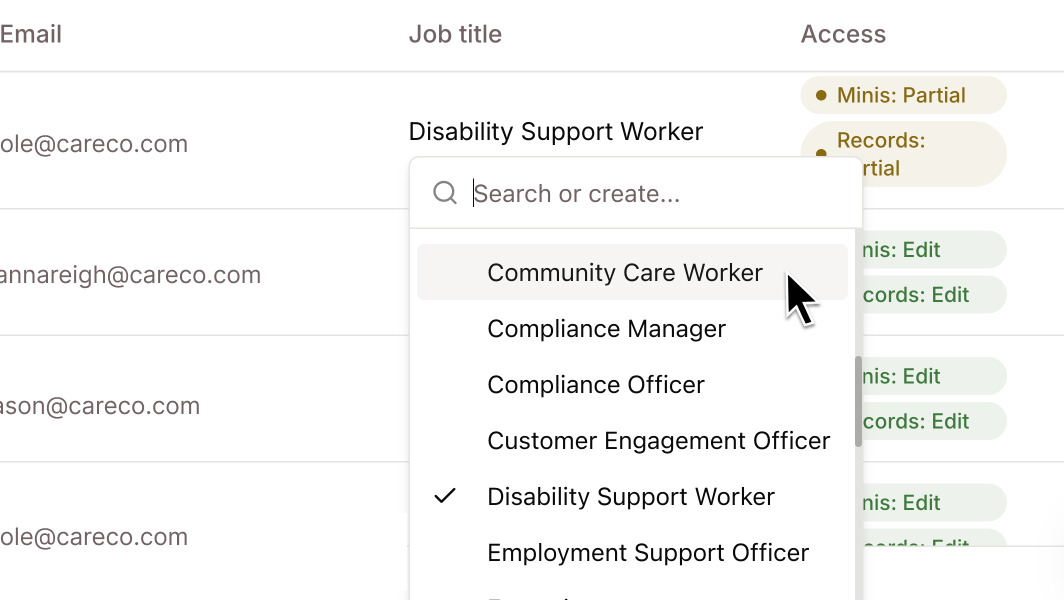
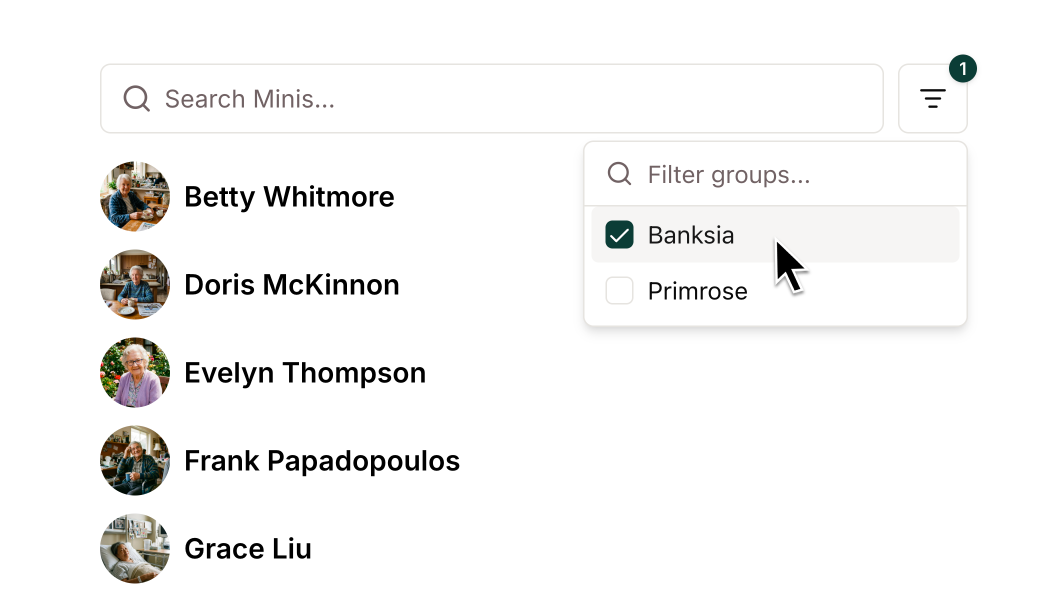
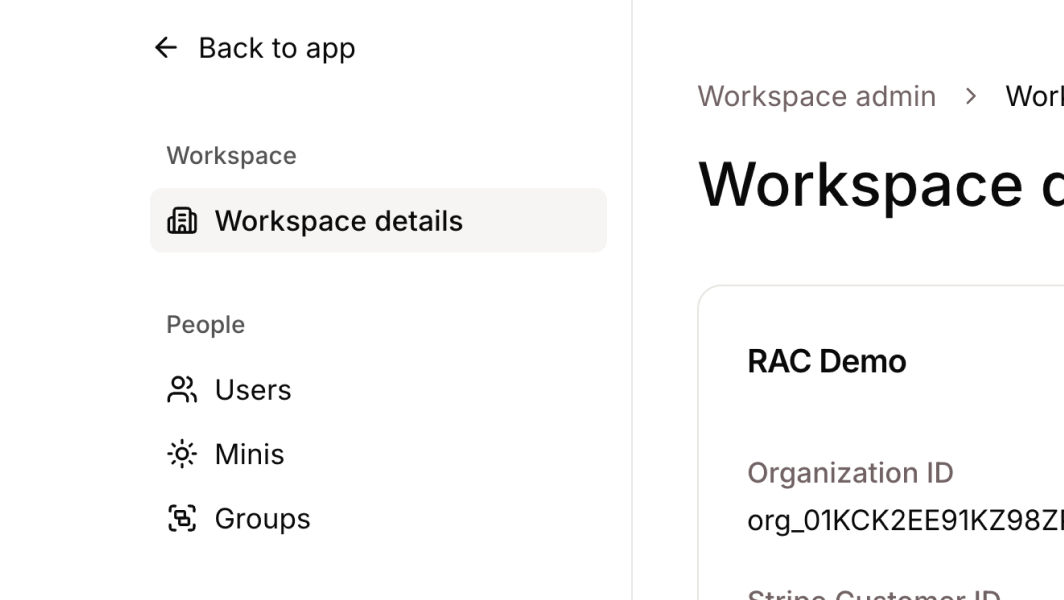
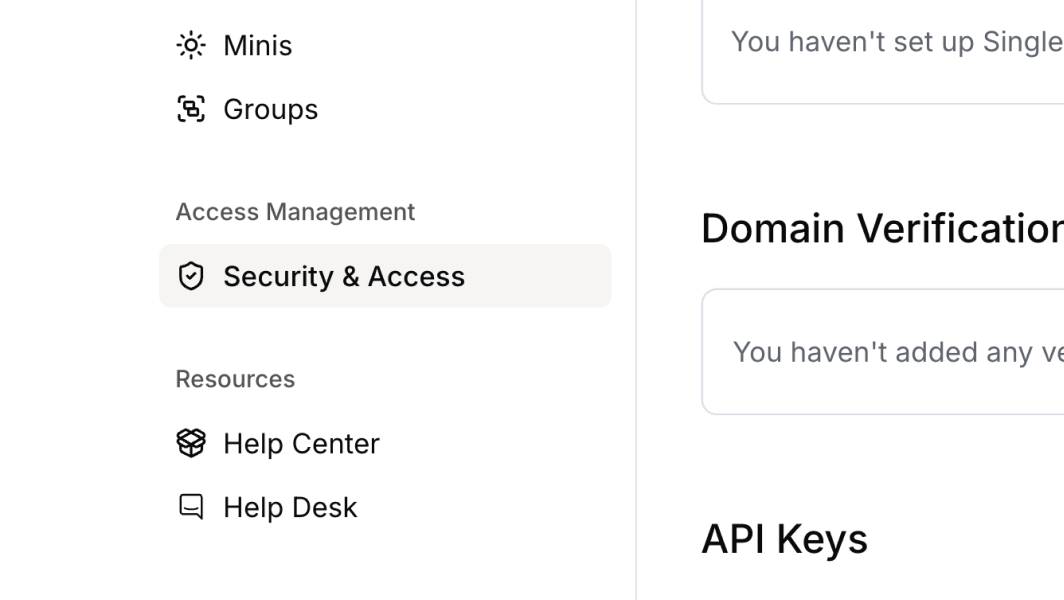
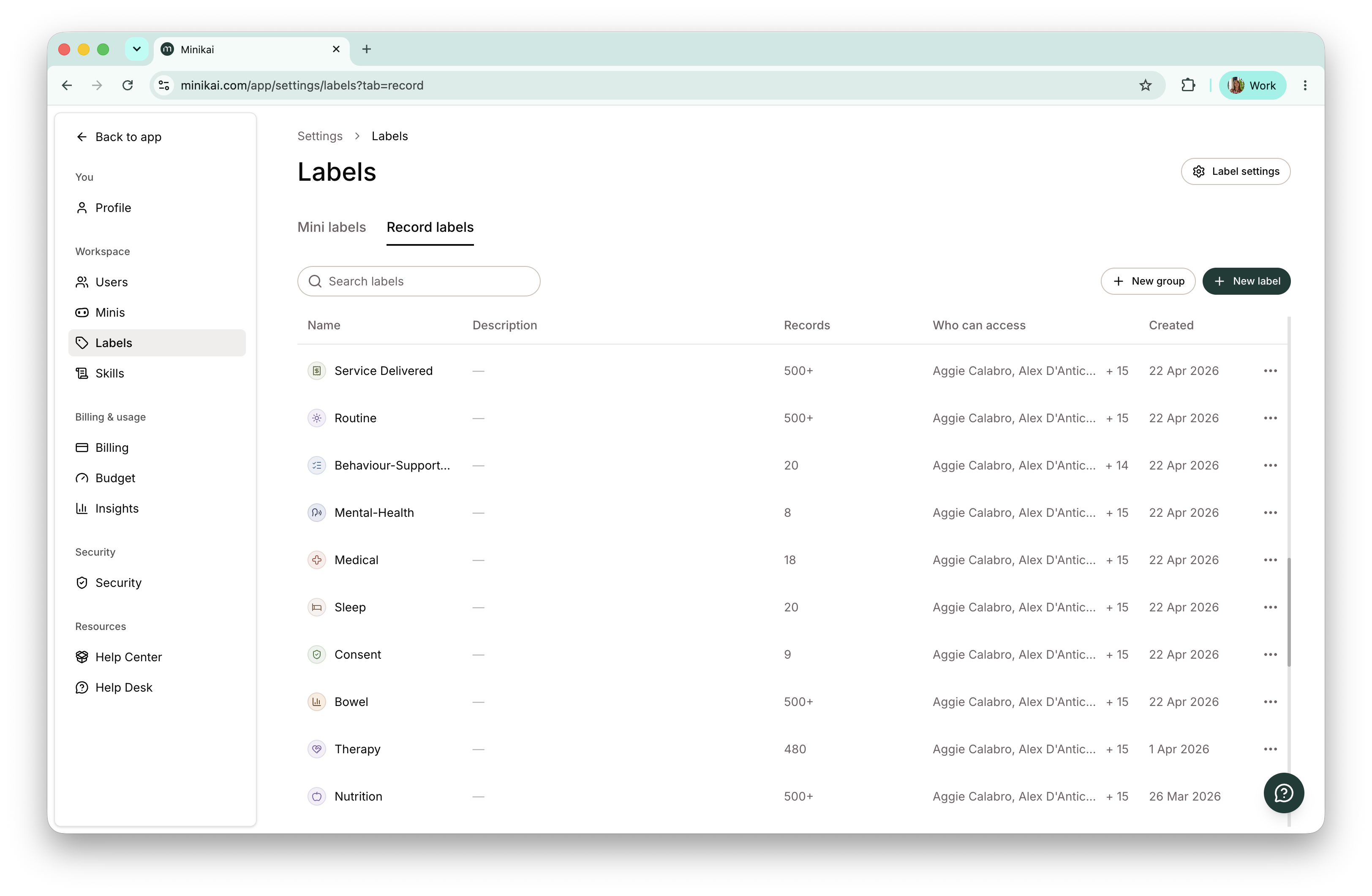
- Settings, rebuilt: Workspace Admin is now Settings, with one layout and one search and filter pattern across Users, Minis, and Labels. Bulk label selection in the permissions dialog makes granting access across many labels a single action.
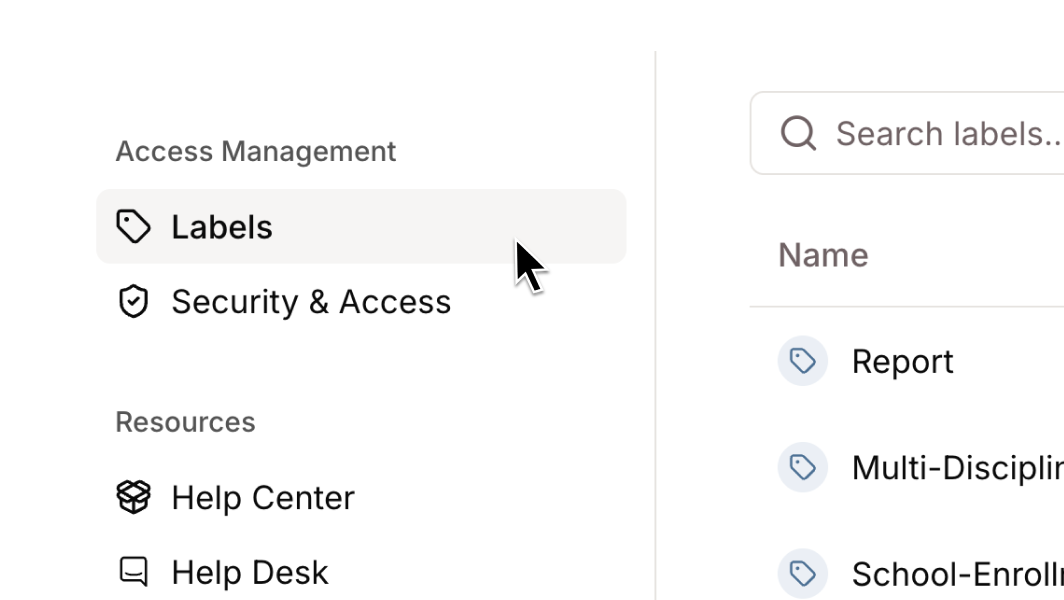
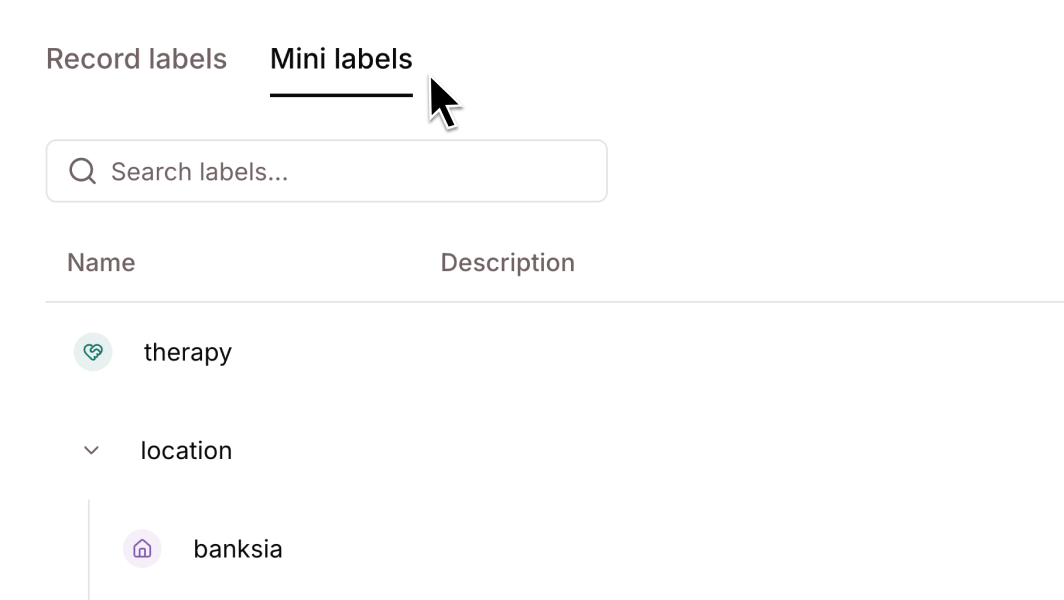
- Manage your labels safely: editing and deleting labels is now on for every workspace. Renaming a label moves every record and Mini onto the new name, and deleting one that is still in use is refused with a count of what it is on, so access is never quietly destroyed.
- See what a label reaches: the labels table in Settings now shows what each label is used on and who can reach it, with a read-only list of everyone holding access.
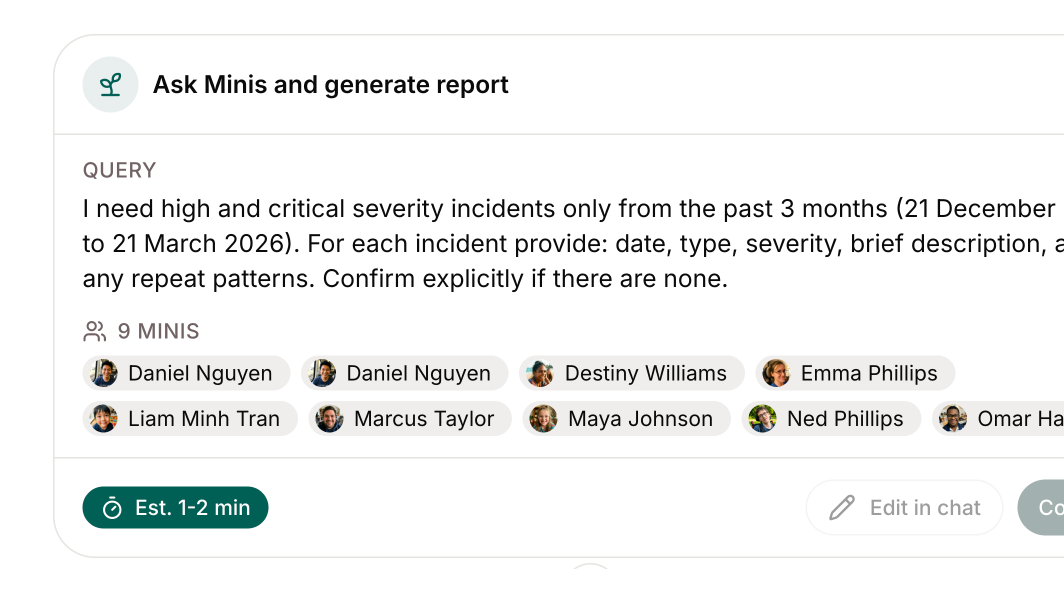
- Export records across many Minis: workspace admins can select Minis in the admin table and export their records into one CSV, with a Mini Name column on every row. Record relations now appear in exports too.
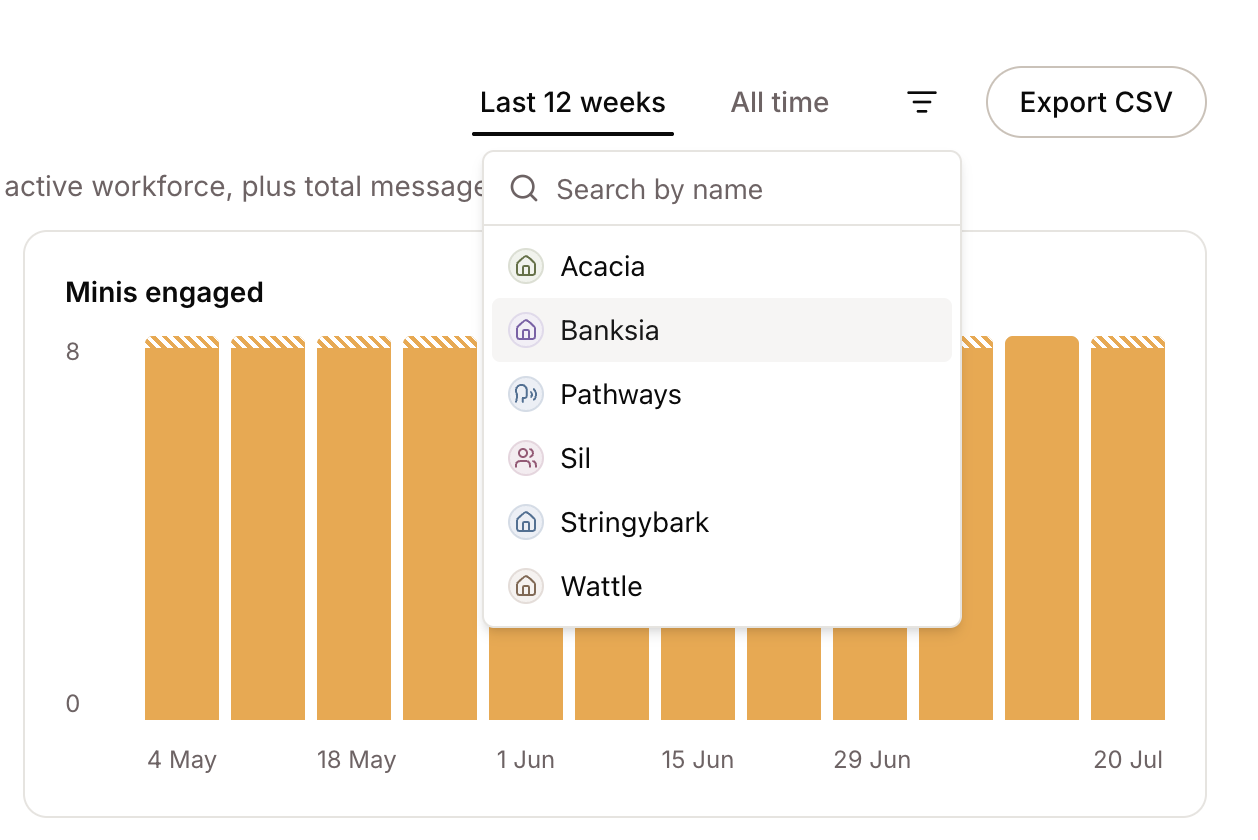
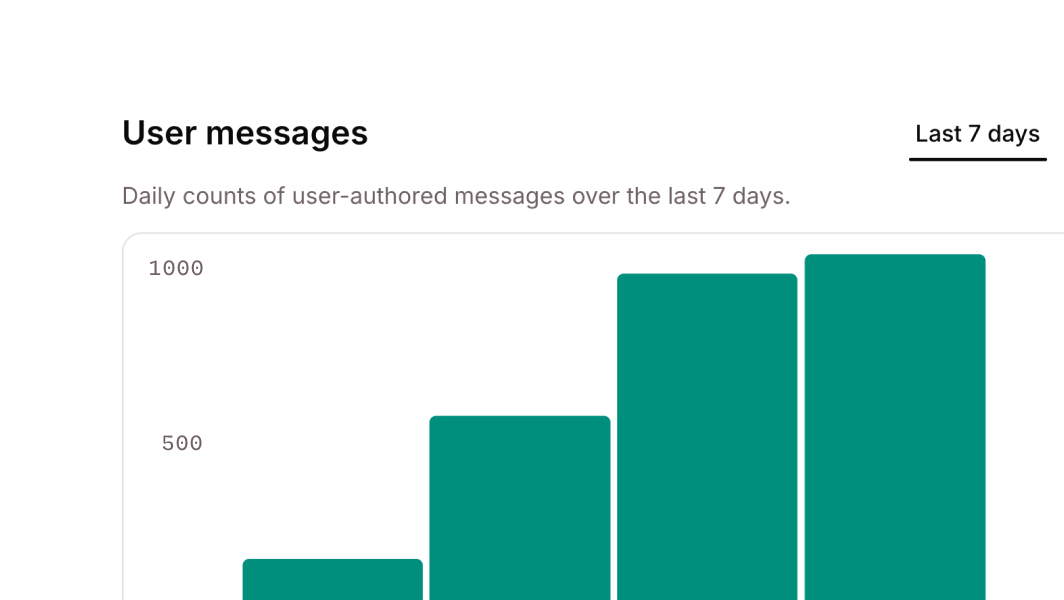
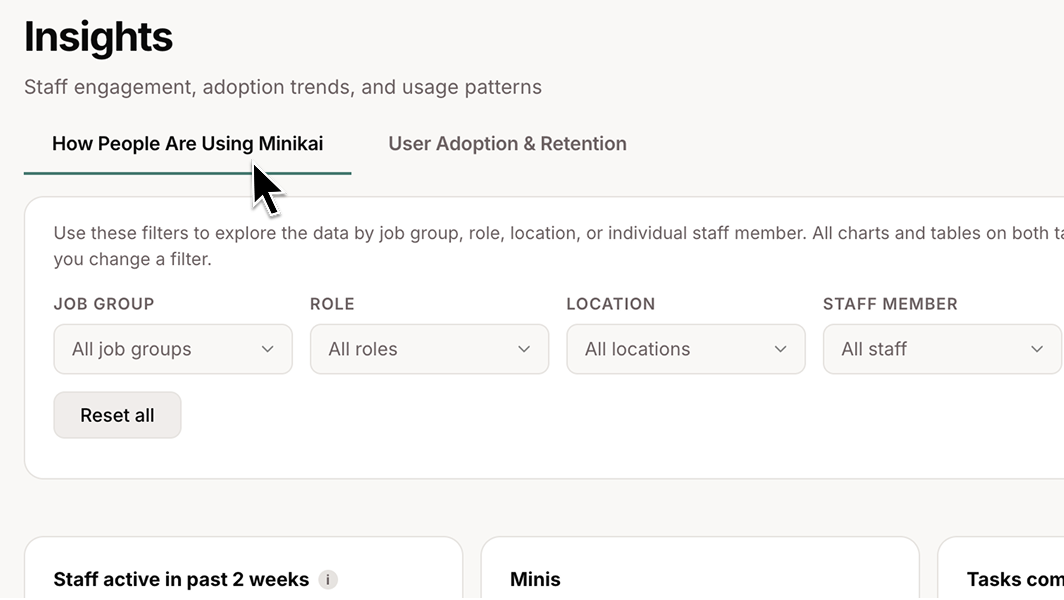
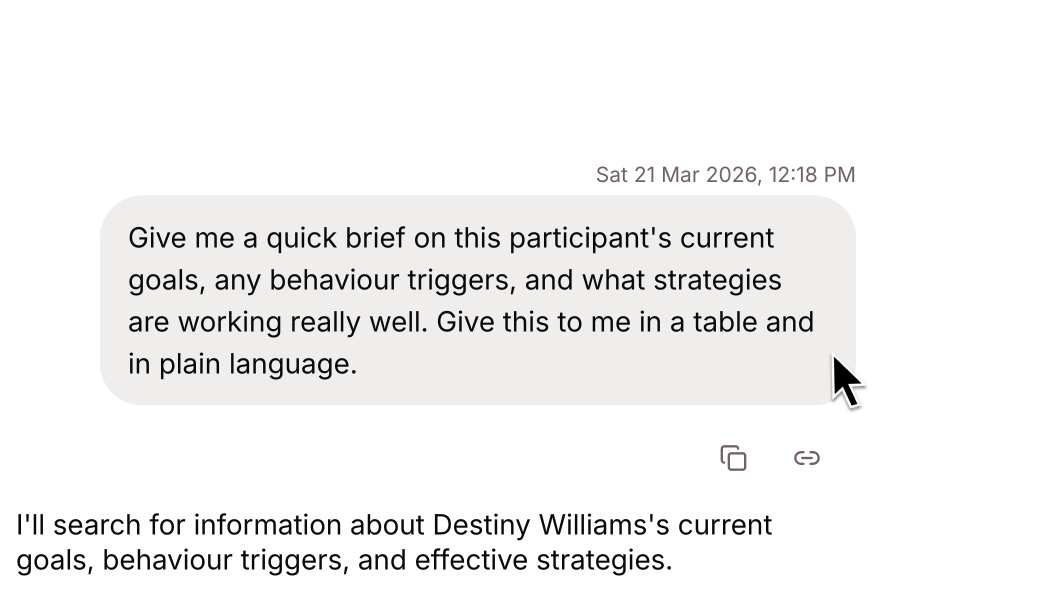
- Sent and received messages in Insights: the dashboard now separates messages people sent from messages Minis received through delegation, with a per-Mini table behind it, so a Mini doing work in the background no longer reads as unused.
Improvements
- A tidier composer: every control in the message area shares one size, and on a phone the toolbar folds into a single row.
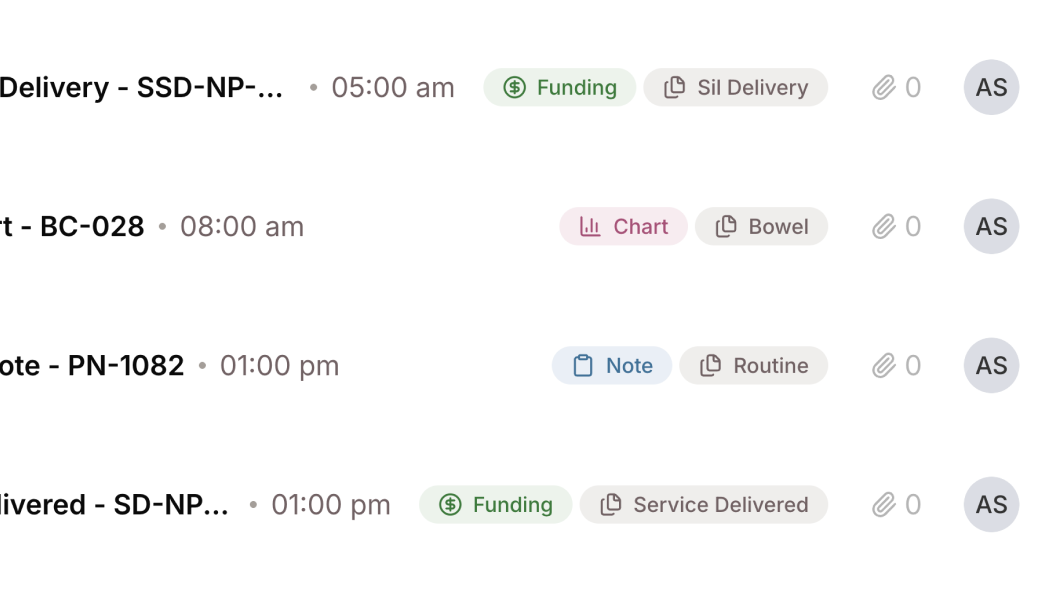
- Records that read properly: single line breaks in synced records now render as written, url fields are clickable links, and the empty Description field no longer sits above the real fields on typed records.
- Copy that pastes cleanly: copying a note gives plain text with list markers intact instead of raw markdown, and a passage a Mini offers for copying now renders as prose with its own copy button rather than as code.
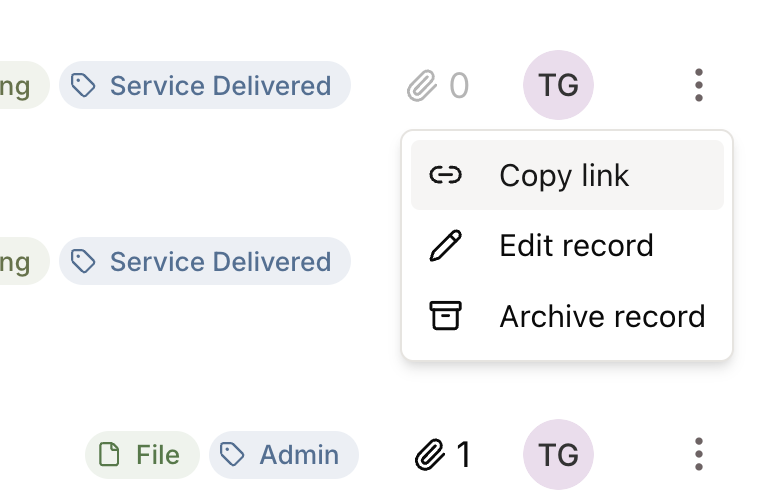
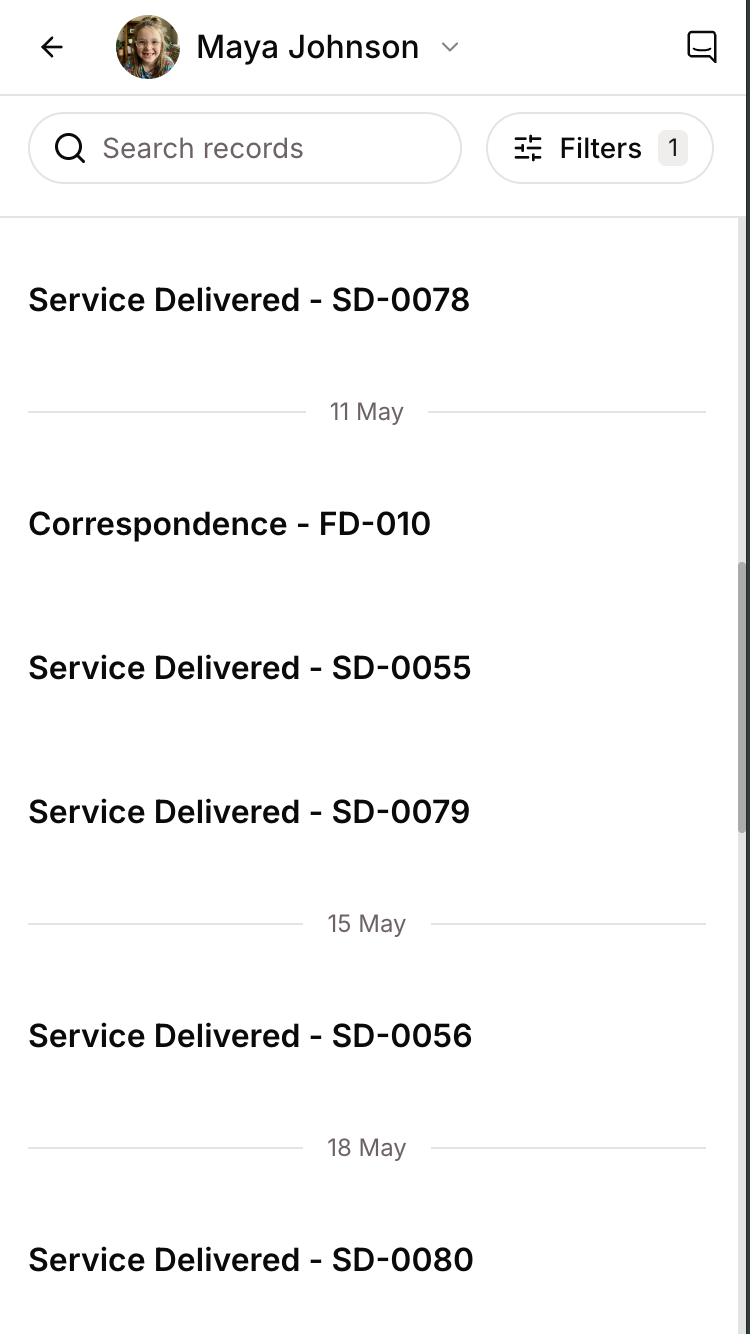
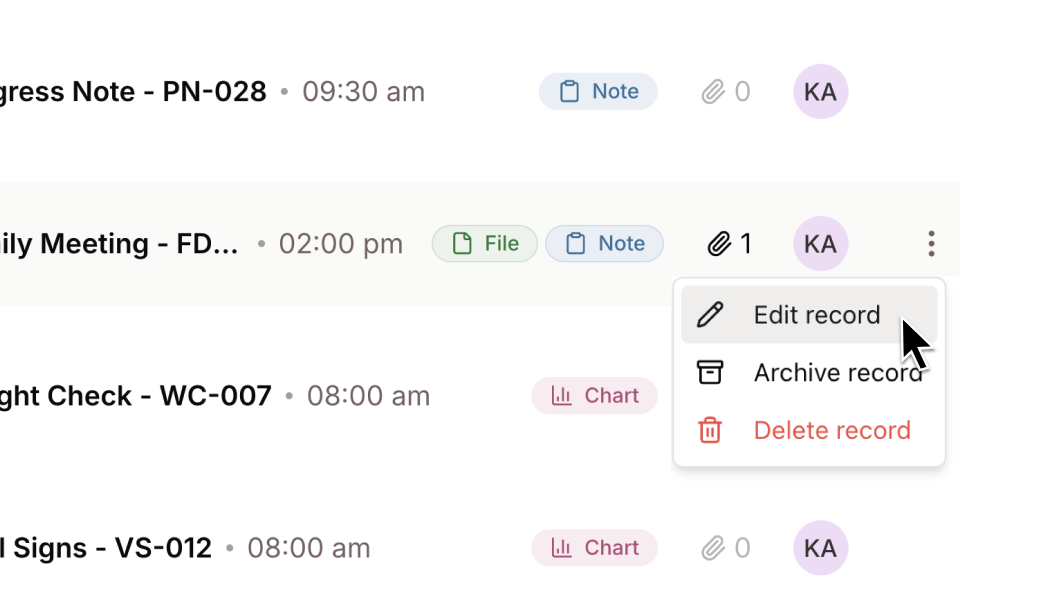
- Better on mobile: timeline row actions are available on a phone, and tapping a citation no longer throws away your place in the answer.
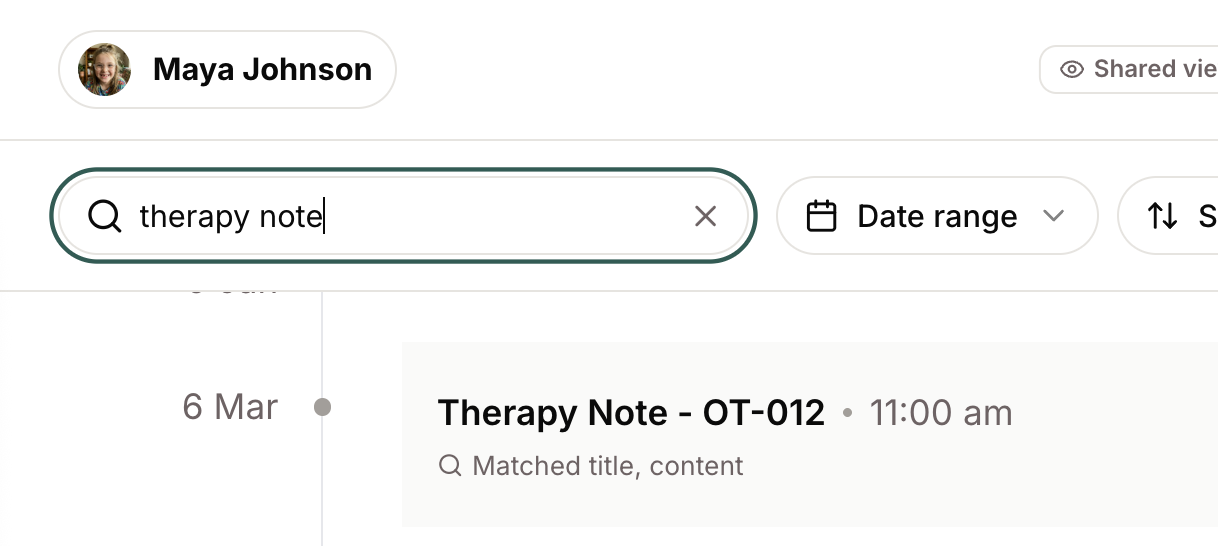
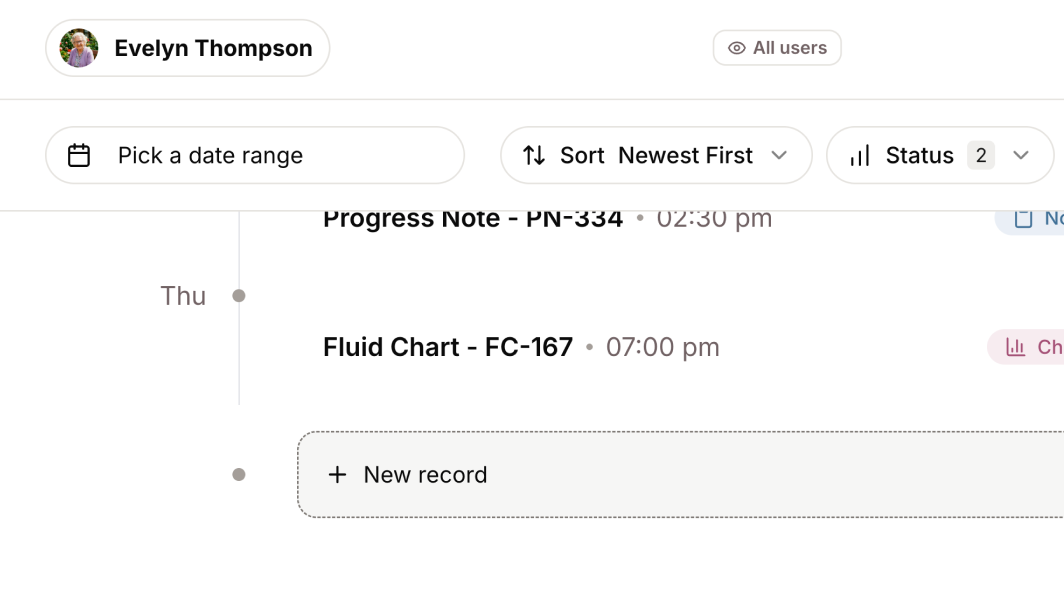
- Timeline starts where you are: the records timeline now ends at today by default, with a toggle to show upcoming records where any exist.
- Accessibility: images on the Insights pages are described properly to screen readers, and validation errors in rich text fields are now visible.
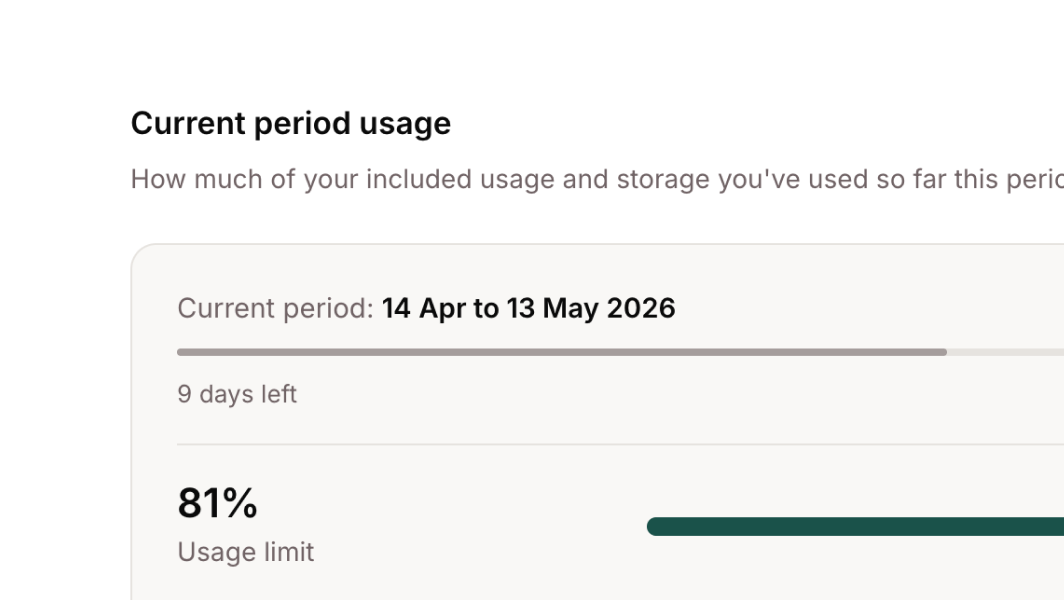
- Extra usage without a cap: where a workspace has no usage limit, the Budget page now leads with the extra usage accrued so far and how far past the included allowance it has gone.
- UK documentation: docs.minikai.com now documents both the Australian and UK regions, so an integration points at the right one.
Bug Fixes
- A chat turn that stalls now ends with a retry instead of appearing to run indefinitely.
- Long conversations render faster and no longer crash on slower machines.
- Password-protected PDFs are rejected at upload.
- A Mini you cannot access now shows an access message rather than an error.
- Fixed deleting a label group immediately after its last label returning an error.
- A user with no workspace membership now gets a proper screen, and directory-managed members can no longer be removed in a way that locks them out.